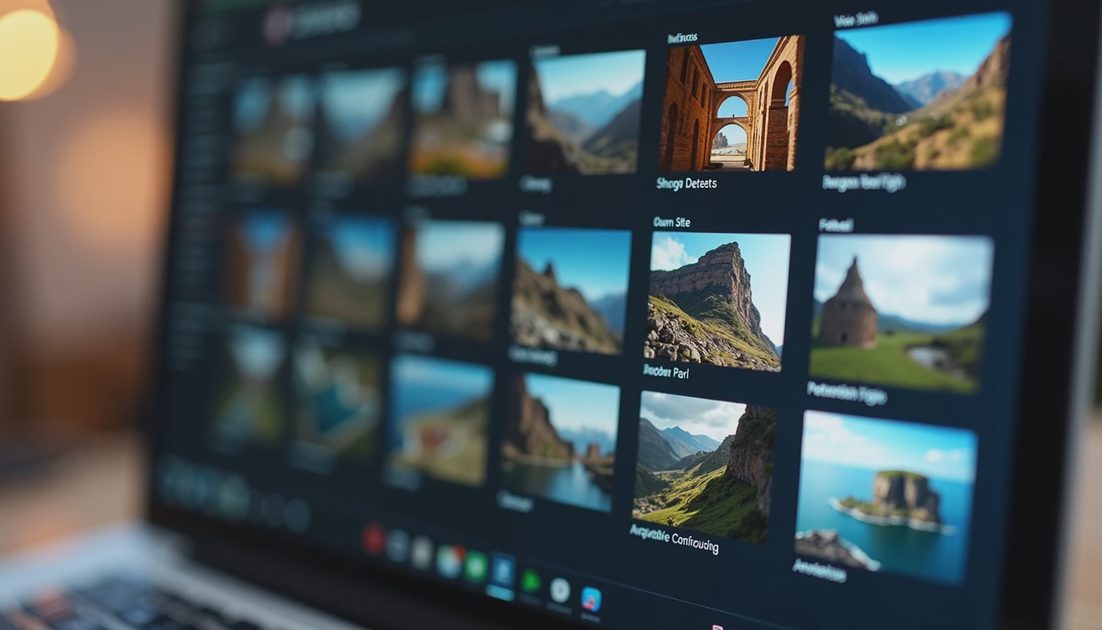
Most LoRA problems start before training. They start in the folder of images you decided were “good enough.”
This post is the starter-dataset checklist I use for MiniMax H3 Turbo LoRA work when the goal is a controllable accent rather than a one-prompt miracle.
What “Clean” Means Here
Clean does not mean sterile or professional studio only. Clean means:
The target concept is visible and consistent
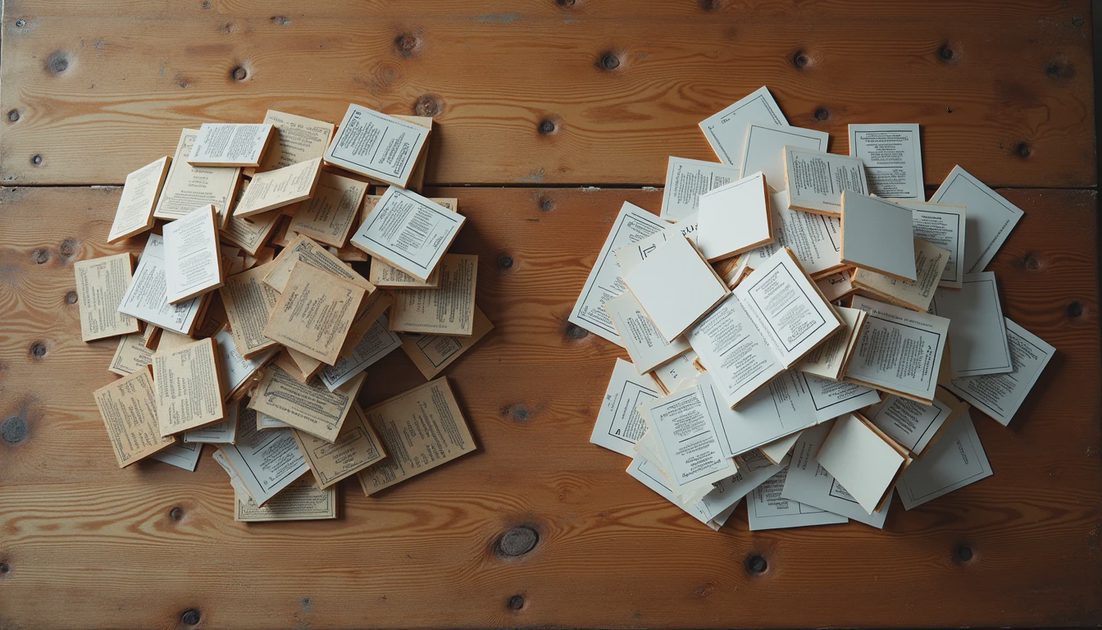
Near-duplicates are removed
Framing variety is intentional, not accidental
Lighting and background do not all collapse into one look
Low-quality frames that teach bad edges are out
A small clean set usually beats a large messy set.
Recommended Starter Sizes
I often compare three bands for a new concept:
Dataset size | Best use | Risk |
|---|---|---|
~20 images | Narrow style or product accent | Underfitting, fragile generalization |
~50 images | Balanced starter for characters or looks | Still needs careful variety |
~100 images | Broader coverage when concept is complex | Duplicates and noise creep in |
These are practical bands, not laws. The right size depends on concept difficulty and how much variety you can actually supply.
Selection Rules I Follow
One primary concept per dataset — Do not mix three styles and hope.
Cull near-duplicates — If two frames differ only by a few pixels of crop, keep one.
Force pose and distance variety — Close, medium, and wider shots if the use case needs them.
Avoid pure junk frames — Heavy blur, extreme compression, and unreadable edges teach the wrong thing.
Caption consistently — Whatever captioning method you use, keep it stable across the set.
What I Log About the Dataset
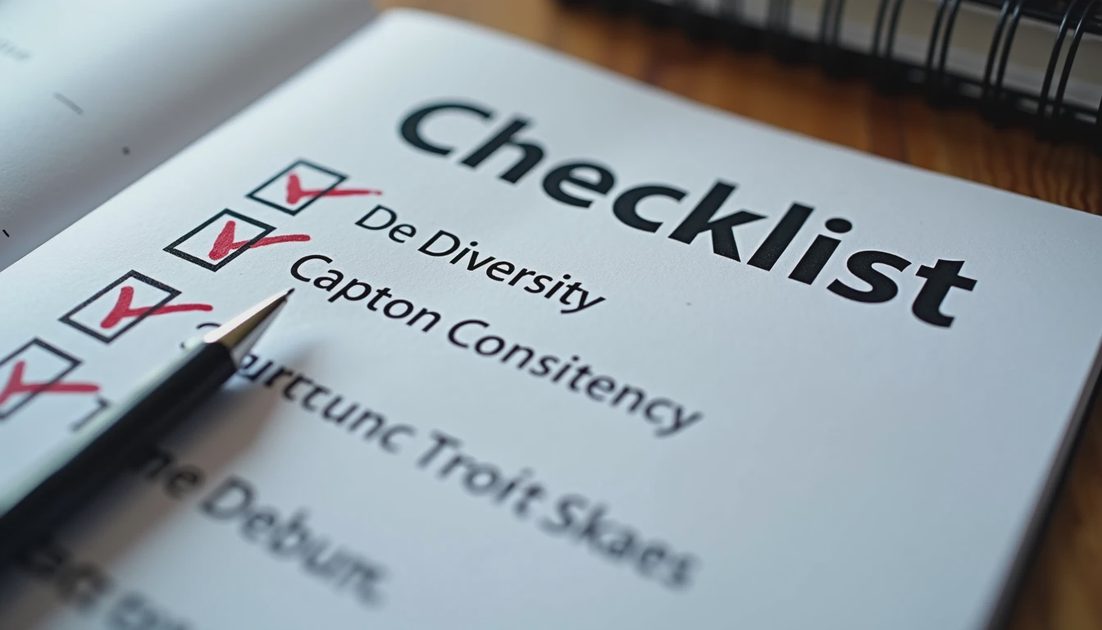
Folder name and date
Image count after cull
Caption method
Known gaps (for example, “no full-body back views”)
Source notes if mixed
Those notes matter when a later probe fails. Without them, every failure looks like a training-hyperparameter problem.
Common Starter-Dataset Failures
All images are beauty-cropped faces, then full-body prompts fail
All images share one lighting direction, then outdoor prompts look wrong
Captions contradict the pixels
“More images” added without culling, raising noise faster than signal
A Minimal Build Process
Define the target concept in one sentence.
Gather candidates at roughly 1.5x the intended final count.
Cull hard for duplicates and unreadable frames.
Check variety against the intended use cases.
Caption.
Freeze the folder and record the count.
Train only after the folder is frozen.
Freezing matters. Quietly adding images mid-comparison invalidates the comparison.
Run the test. Save the settings. Show the failure.
A clean starter dataset will not guarantee a good LoRA. A dirty one will almost guarantee a confusing LoRA. Start clean enough that the training run has a fair chance to teach the right accent.
When the first adapter still fails probes, revisit the dataset before you stack more rank or more steps. Many “training problems” are still folder problems wearing a different hat. The next Failure Files posts return to that theme with concrete recovery examples.
A clean starter dataset also makes collaboration easier. You can hand someone a frozen folder and a caption method without apologizing for mystery files named final_final_v3. Clean inputs are a form of respect for future time—including your own.
If you only do one thing differently after reading this, freeze the folder before training and write down the image count. That single habit prevents a surprising amount of confusion when results do not match expectations later.
Starter datasets are not glamorous, but they are decisive. If you invest energy anywhere before pressing train, invest it in what the model will see. Rank, steps, and learning rate cannot compensate for a folder that teaches the wrong lesson with high confidence.
Before you enlarge a dataset, write the failure mode you are trying to fix. “Need more images” is not a failure mode. “Fails full-body side views” is. Targeted additions beat unfocused volume.
I also keep a reject folder instead of deleting culls immediately. Sometimes a rejected crop becomes useful later for a different concept. Sorting is cheaper than reshooting or regenerating sources.
Clean datasets will not remove the need for probe tests after training. They simply make the probe results more interpretable. When a clean set still yields a narrow LoRA, you can investigate rank, steps, or concept difficulty instead of first untangling duplicates and contradictory captions.
That interpretability is the real product of cleanliness. It turns the next failure into a smaller search space.
If you are building your first dataset today, aim for the fifty-image band with aggressive culling rather than one hundred images with soft standards. Tight and honest beats large and muddy. You can always grow a clean set. Cleaning a muddy set after training failures is slower and more demoralizing.
Run the test. Save the settings. Show the failure. For datasets, “save the settings” means freeze the folder and write the count before you train. Everything after that is downstream.
The LoRA Workshop posts that follow assume you can point to a frozen dataset and a known gap list. Without that, strength tests and overfitting diagnoses become guesswork. Start with the folder and keep it honest.
No comments yet.