A good generation without a log is a souvenir. A good generation with a log is a step in a workflow.
This post defines the standard experiment log I use before I call any MiniMax H3 Turbo or LoRA process reliable. The format is intentionally plain so it works in a notebook, a markdown file, or a spreadsheet.
Why a Standard Log Exists
I used to keep notes in whatever app was open. That produced three problems: missing fields, incompatible shorthand, and no way to compare January’s run with March’s version bump. A standard log fixes the comparison problem. It does not make the art better by itself. It makes the art repeatable—or reveals that it is not.
The log has four non-negotiable blocks: model identity, prompt identity, seed and sampler identity, and cost/runtime identity. Everything else is optional commentary.
I arrived at these four blocks by losing information I later needed. Missing model version made a “regression” unprovable. Missing exact prompt text turned a successful look into folklore. Missing seeds made consistency claims meaningless. Missing cost notes made a “cheap workflow” surprise me on the invoice. Each field exists because its absence hurt once.
The Required Fields
Model block
Base model name and version
LoRA names, ranks, and weights if used
Any VAE or auxiliary components
Prompt block
Full positive prompt or structured prompt block
Negative prompt if used
Notes on what was intentionally constrained
Seed and sampler block
Seed list or range
Sampler name, steps, guidance (when exposed)
Resolution and aspect ratio
Cost and runtime block
Hardware or API endpoint
Approximate seconds per image or per batch
Cost notes when money is involved
These four blocks are enough to rebuild the run or to explain why it cannot be rebuilt. If a collaborator cannot reproduce the look from the log alone, the log is incomplete. That test is stricter than “I know what I did,” and it is the test that matters when work leaves your machine.
Block | Minimum content | Why it cannot be vague |
|---|---|---|
Model | Versioned names | “H3 Turbo” without version drifts |
Prompt | Exact text | Paraphrase destroys reproducibility |
Seeds | Concrete list | “Random” prevents comparison |
Cost/runtime | Numbers | “Felt fast” is not a measurement |
Optional but High-Value Fields
Dataset ID or folder hash for LoRA training runs
Failure rate across the seed list
One-sentence intent (“test identity under full-body prompts”)
Link or path to the output folder
I add these when the experiment is meant to inform a later decision. For quick probes I sometimes skip them. For anything I might publish or reuse, they stay.
How the Log Changes Behavior
Writing the log before generating forces intent. Writing it after generating forces honesty. I do both: a short pre-log for the plan, a completed log after the runs.
The biggest behavioral change is cost awareness. Once runtime and money sit next to aesthetic notes, “one more variation” becomes a conscious choice instead of a reflex.
Cost fields also expose hidden differences between local and API workflows. A local run that takes four minutes and an API run that costs a few cents can produce similar images and very different team decisions. Logging both keeps those trade-offs visible instead of tribal.
Result Template I Reuse
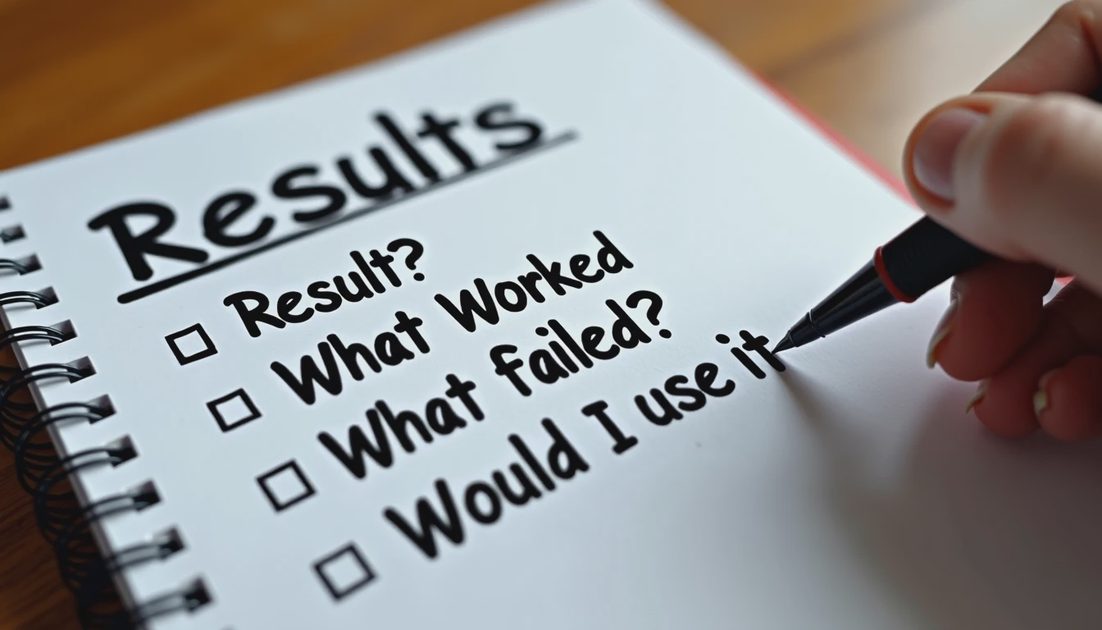
At the end of every major log I answer four questions:
Result: what happened in one or two sentences
What Worked
What Failed
Would I Use It Again?
Those four lines turn a folder of images into a decision record. They also prevent the common drift where a workflow is kept because it produced one nice frame months ago, even though every subsequent attempt has been painful. “Would I Use It Again?” is a forcing function. Answer it while the pain is fresh.
Run the test. Save the settings. Show the failure.
The standard log is how the settings get saved in a form that future-you can still read. Without it, the kitchen becomes a pile of pretty plates with no recipes. Use the template as written for a month before customizing it. Premature customization is how required fields quietly disappear again. After a month of real use, trim only what has truly never earned its place. The rest of the Workflow Kitchen posts assume this log exists.
I keep a blank copy of the template in the same folder as the current project. Filling it is part of starting the run, not an afterthought. When collaborators ask how a look was achieved, I send the log first and the images second. That order keeps the conversation about method instead of mystique.
If a field is unknown—API version not exposed, cost not itemized—I write “unknown” rather than leave a blank. Blanks look like forgotten work. “Unknown” is an honest measurement of the current limits of the tool chain.
The log is also where I record when a supposedly identical setup stops matching prior results. Version drift in hosts, silent defaults, and changed safety filters all show up as “same log, different images.” Without the log, those shifts feel like personal failure. With the log, they become system notes.
No comments yet.